Pick the ride

Each ride changes the vehicle, the scene and the closing shot. Six rides keep the ramp and the flip; the four flight rides leave the ramp out and fly.

Updated Oct 17, 2026 · By the Tesla AI Video team

Launch pad

Make your tesla roadster ai video

Three choices and one tap. The shot list, the timing and the prompt are already built.

01Add two photos, one person each

Front-facing selfies in good light work best. One face per photo; the two do not need to be taken together.

02Pick the ride

03Model, quality and format

Standard · 720p · 9:16Change model, resolution or format10 credits

Model

Resolution

Format

By generating, you confirm the photo shows you or people who gave permission, all 18 or older, and no celebrities or public figures. Terms · Privacy

Tesla AI Video has 10 rides, and each pairs a subject with a scene that suits it. Choose by the look you want in the generator.
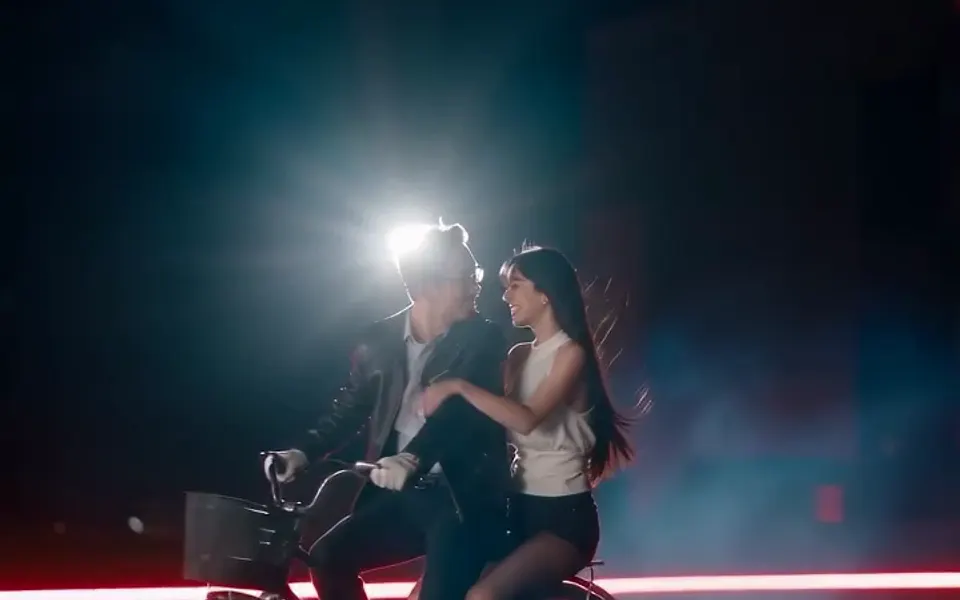
Bike Ramp Flip: The bicycle remix: you on a city bike, up the ramp, over the top

Bike Ramp Flip

The bicycle remix: you on a city bike, up the ramp, over the top. Scene: a closed night test track in open flat country.
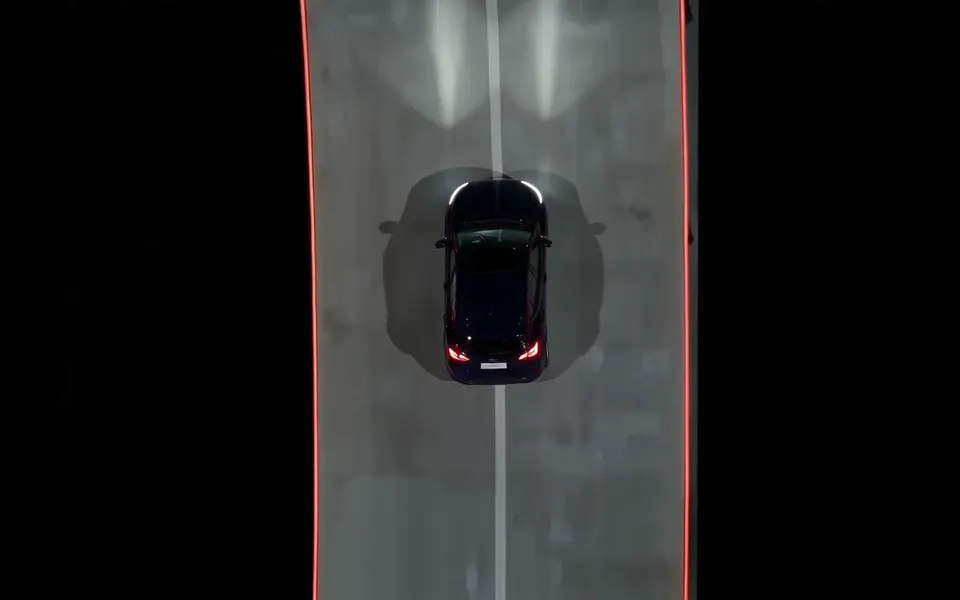
Your Car Takes Flight: Your own car up the inverted ramp, flipped and landed

Your Car Takes Flight

Your own car up the inverted ramp, flipped and landed. Scene: a closed night test track in open flat country.
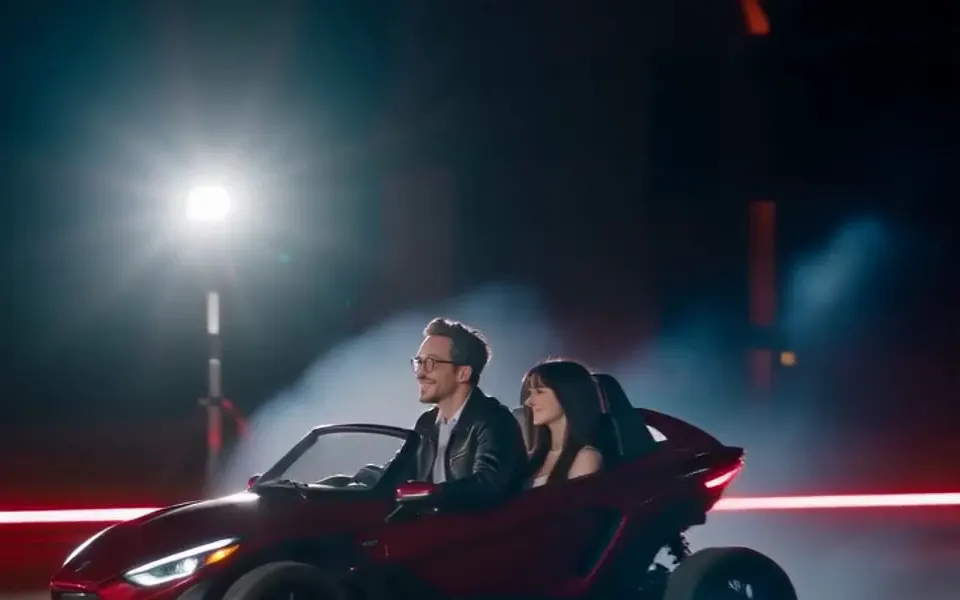
Drive the Flying Supercar: You at the wheel of a low two-seat supercar, roof open

Drive the Flying Supercar

You at the wheel of a low two-seat supercar, roof open. Scene: a closed night test track in open flat country.
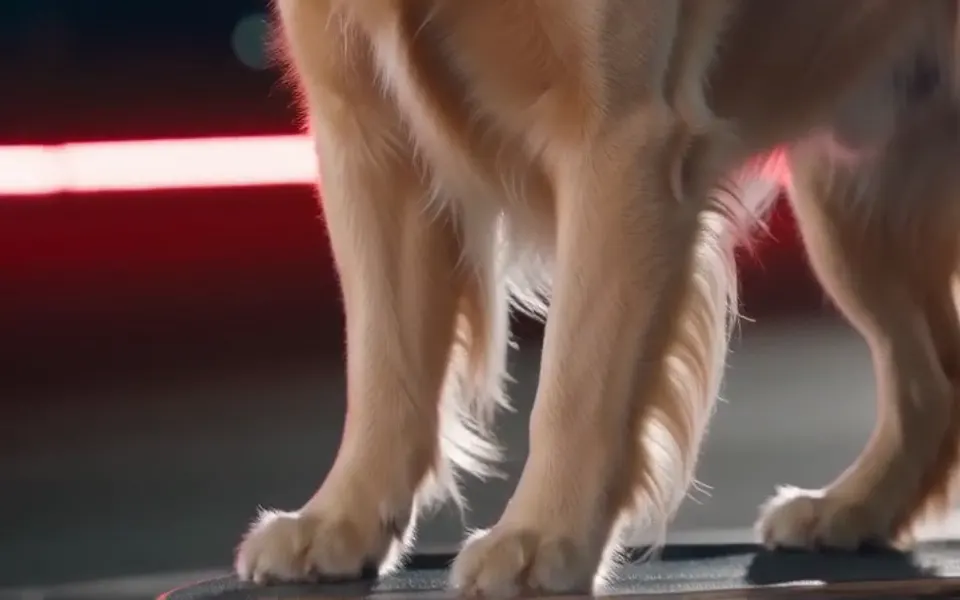
Pet Kickflip: Your dog or cat on a skateboard, up the ramp and over

Pet Kickflip

Your dog or cat on a skateboard, up the ramp and over. Scene: a closed night test track in open flat country.
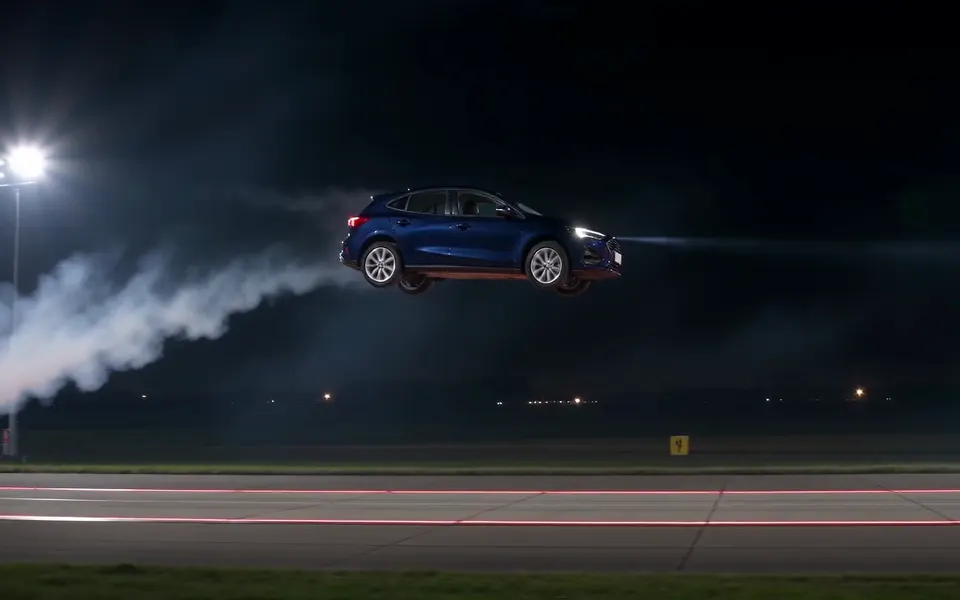
Hop the Traffic: Your car leaves the ramp and glides on thrust jets, no flip

Hop the Traffic

Your car leaves the ramp and glides on thrust jets, no flip. Scene: a closed night test track in open flat country, with a straight row of five plain unbadged cars after the ramp.
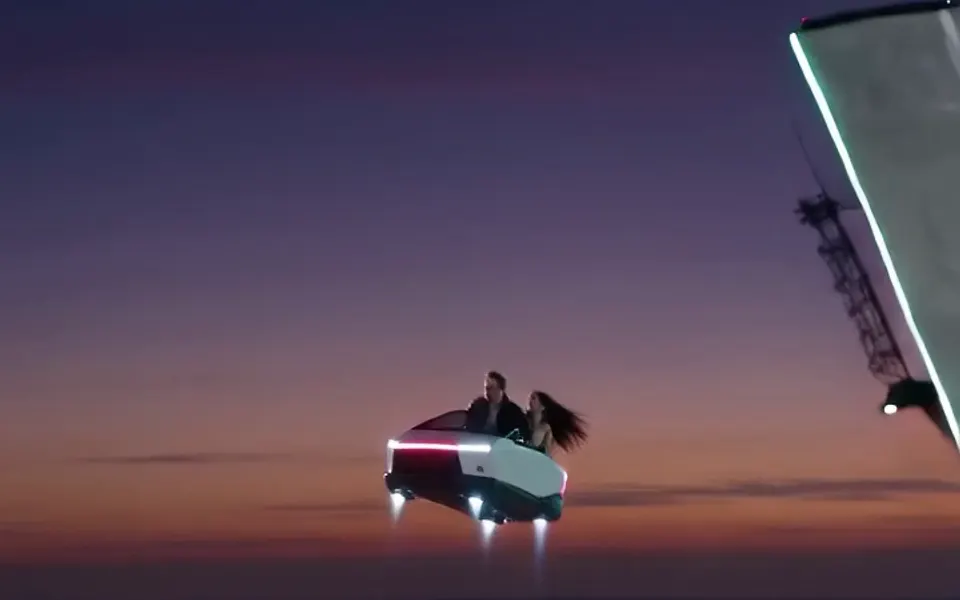
Neon Beach Night: You in a pink-and-teal 80s beach city, flying before the game came out

Neon Beach Night

You in a pink-and-teal 80s beach city, flying before the game came out. Scene: a palm-lined beachfront boulevard at night in a retro 1980s style.
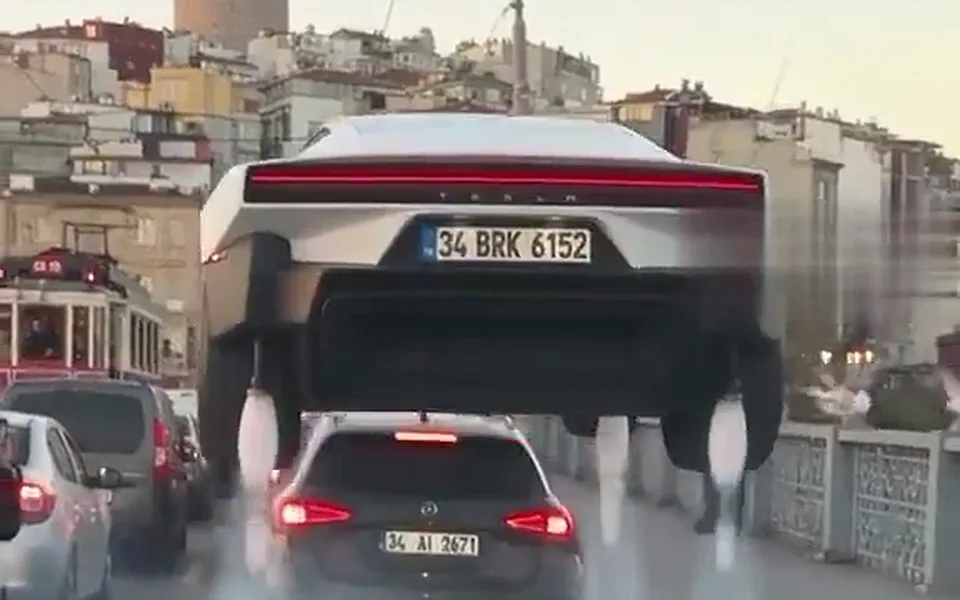
Hover Over Traffic: Stuck in a jam, you press HOVER and lift over every car

Hover Over Traffic

Stuck in a jam, you press HOVER and lift over every car. Scene: a packed multi-lane city bridge at golden hour, bumper-to-bumper traffic in every lane, warm haze, old buildings and a tram in the background.
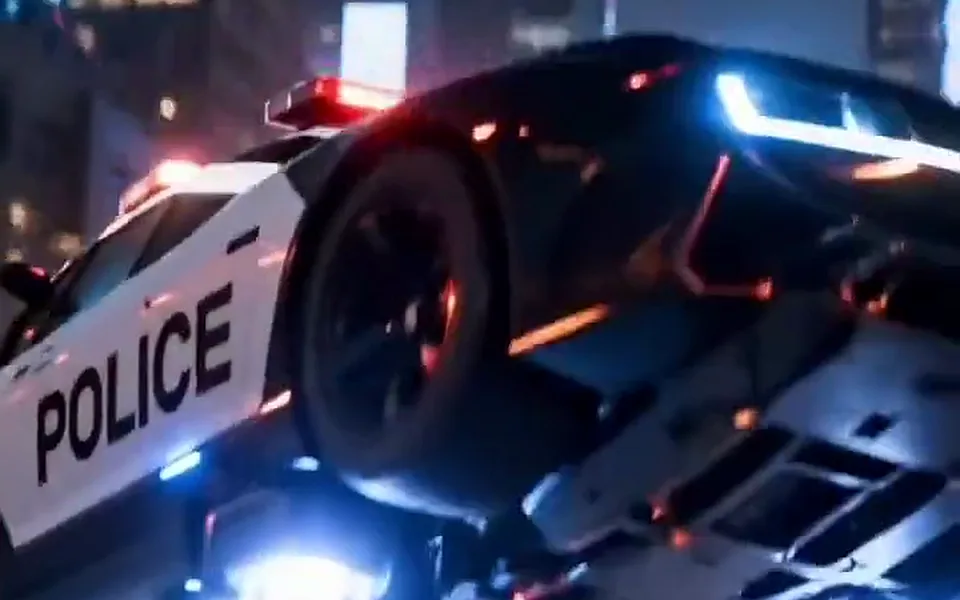
Police Chase Escape: Your car outruns a night police chase and flies over the roadblock

Police Chase Escape

Your car outruns a night police chase and flies over the roadblock. Scene: a wide city freeway at night, wet asphalt, orange street lights, an overpass in the distance.
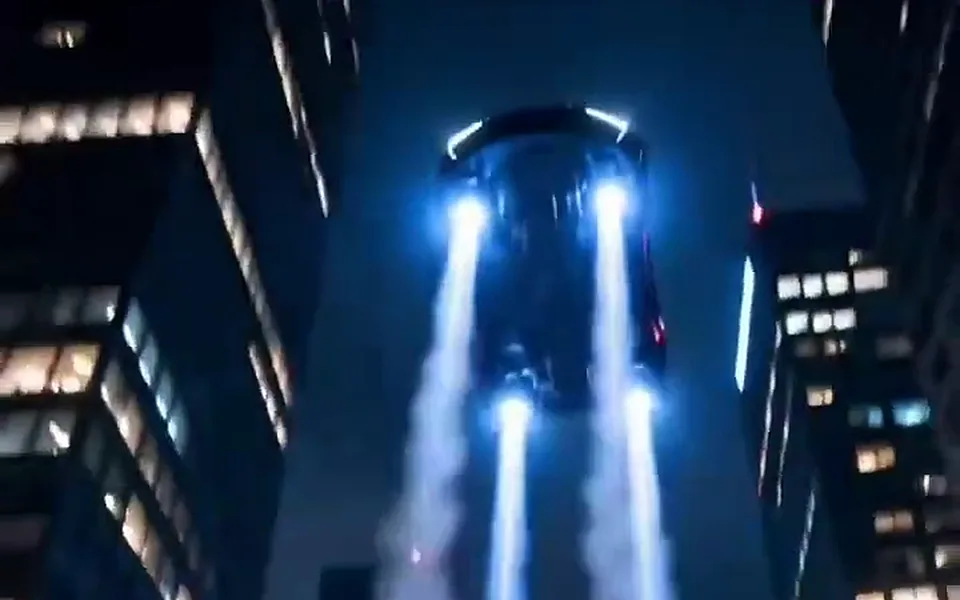
Skyline Flight: Your car flies between skyscrapers above a city at night

Skyline Flight

Your car flies between skyscrapers above a city at night. Scene: a dense city of glass skyscrapers at night, lit windows, streets far below, a light haze between the towers.
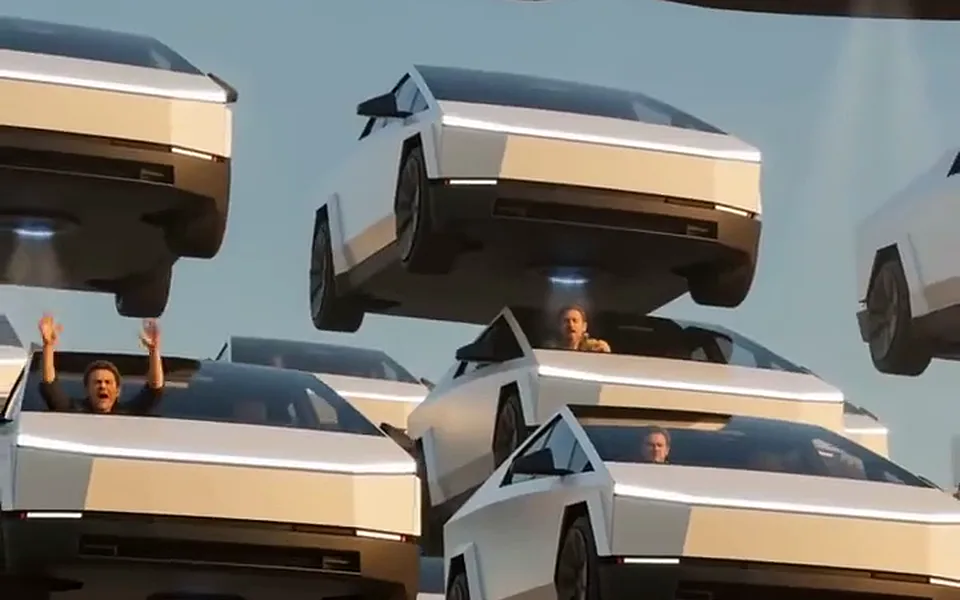
Rush Hour in the Sky: You wave from a flying car stuck in a sky full of flying cars

Rush Hour in the Sky

You wave from a flying car stuck in a sky full of flying cars. Scene: a clear late-afternoon sky over a sunny city and a long highway, hundreds of plain silver cars hovering at different heights on small white thrust jets, packed like a traffic jam in the air.

Questions

FAQ

Which ride looks most realistic?

Your Car Takes Flight looks the most real, because the model copies a real car from your photo and cars are rigid. Bike Ramp Flip is the funniest; faces are small during the flip and sharp again in the closing shot.

Which ride should I pick for a photo of myself?

Bike Ramp Flip, Drive the Flying Supercar, Neon Beach Night, Hover Over Traffic and Rush Hour in the Sky take a photo of a person. Pick Supercar or Neon if you want your face visible all the way through; the bike shows you full length.

Can I use the same photo for several rides?

Yes. Each render is separate and costs its own credits, so you can try one photo on two or three rides and keep the best one.

Your flip is one photo away

Upload a photo, pick the ride, take off.

Make my video

Your video is one step away

Sign-in is free and needs no card. We never publish your photo.

By continuing you agree to the terms and privacy policy.

Get credits to make your video

✓ No subscription needed: pay once, pack credits never expire.

Basic

100 credits

$29.90/mo

Single

10 credits

$6.99

Crew Pack

250 credits

$99

Secure checkout · Packs are one-time and never expire · Plans renew until cancelled, cancel anytime from your account

See every pack and plan

Choose how to pay

Checkout is temporarily unavailable. Please try again later.

Secure checkout · Packs are one-time and never expire · Plans renew until cancelled, cancel anytime from your account